Write any document. Get a professional PDF.
Reports, manuals, proposals, guides and technical documents in one editor. Add text, tables, pictures, charts, diagrams and code, look at the pages, then make a clean PDF with a cover, contents and page numbers. It never leaves your browser.
- Free, no card
- Nothing is uploaded
- Made for Chrome and Edge
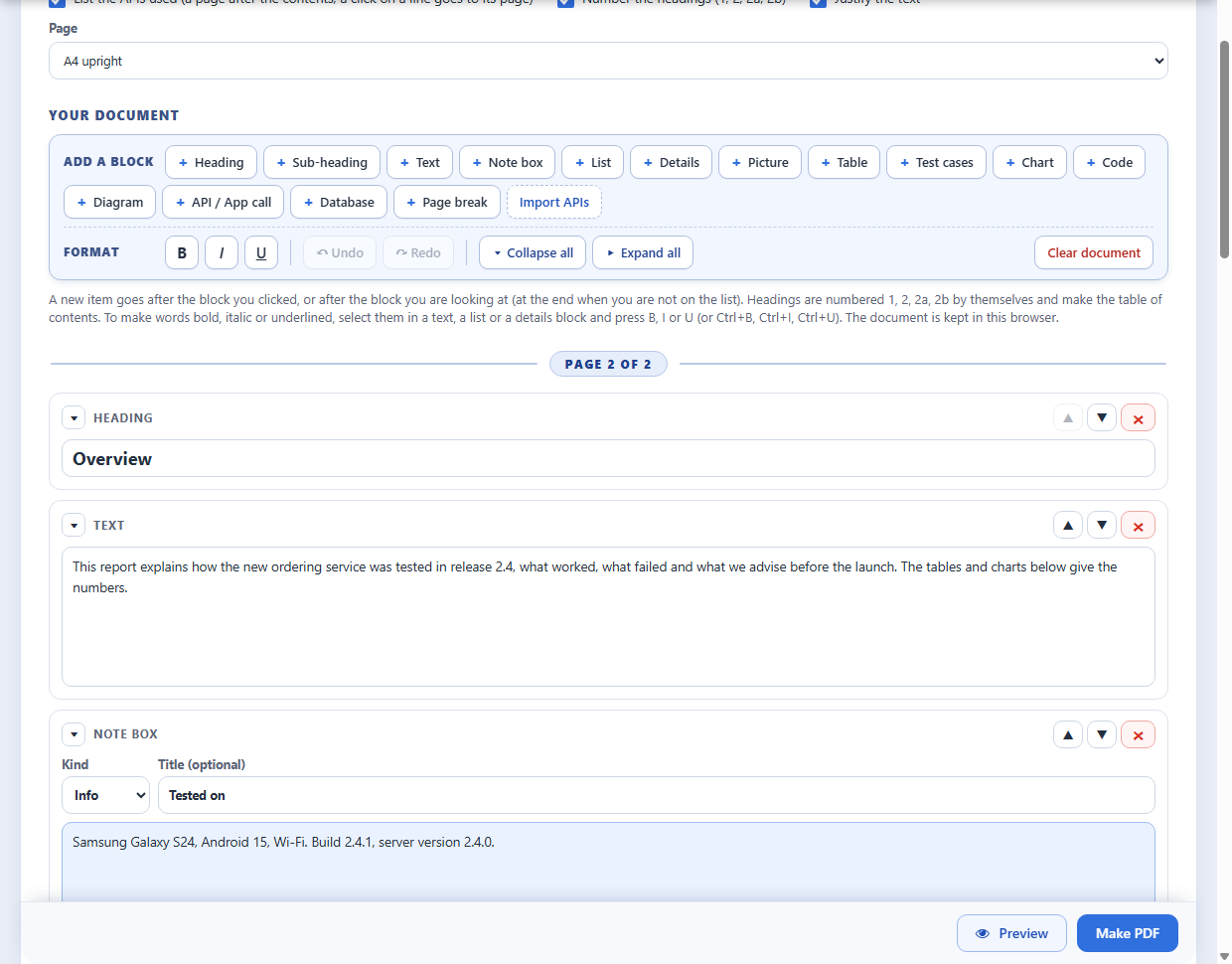
From idea to PDF in three steps
- Add blocksPress a button to add a heading, a text, a table, a picture, a chart, a diagram, code and more. Move the blocks with the arrows, or close a block to one line.
- Look at the pagesPreview shows the pages as they will be in the PDF, with a search. A line in the editor tells where each page starts. A double-click on a page brings you to its text.
- Make the PDFOne click. The contents, the page numbers and the cover are made for you. The PDF carries your document inside, so you can open it again and change it.
What a document is made of
From plain text and tables to charts, diagrams and code: build the document from blocks and move them until it reads right. The technical blocks are there when you need them.
- Text and headingsNumbered headings that make the contents page. Bold, italic, lists, checklists, quotes, question and answer lists, two columns and note boxes for Info, Warning and Tip.
- Tables, pictures and contactsTables with a caption. Pictures from your computer with a caption, side by side if you like. Contact cards with a badge, the phone, the email and the address.
- ChartsA pie, a donut, bars or horizontal bars from lines like
Q1: 120, progress bars for a status (Design 100%, Testing 30%) and star ratings. Sales, marks, results: any numbers. - Flow charts, diagrams and timelinesA process or a sequence drawn from a few lines like
Customer -> Shop: order, and a timeline with a date for every step. - Checklists, stamps and approvalsTick boxes for tasks, an APPROVED or PAID stamp, signature boxes for approvals, and a QR code for your website or a UPI link.
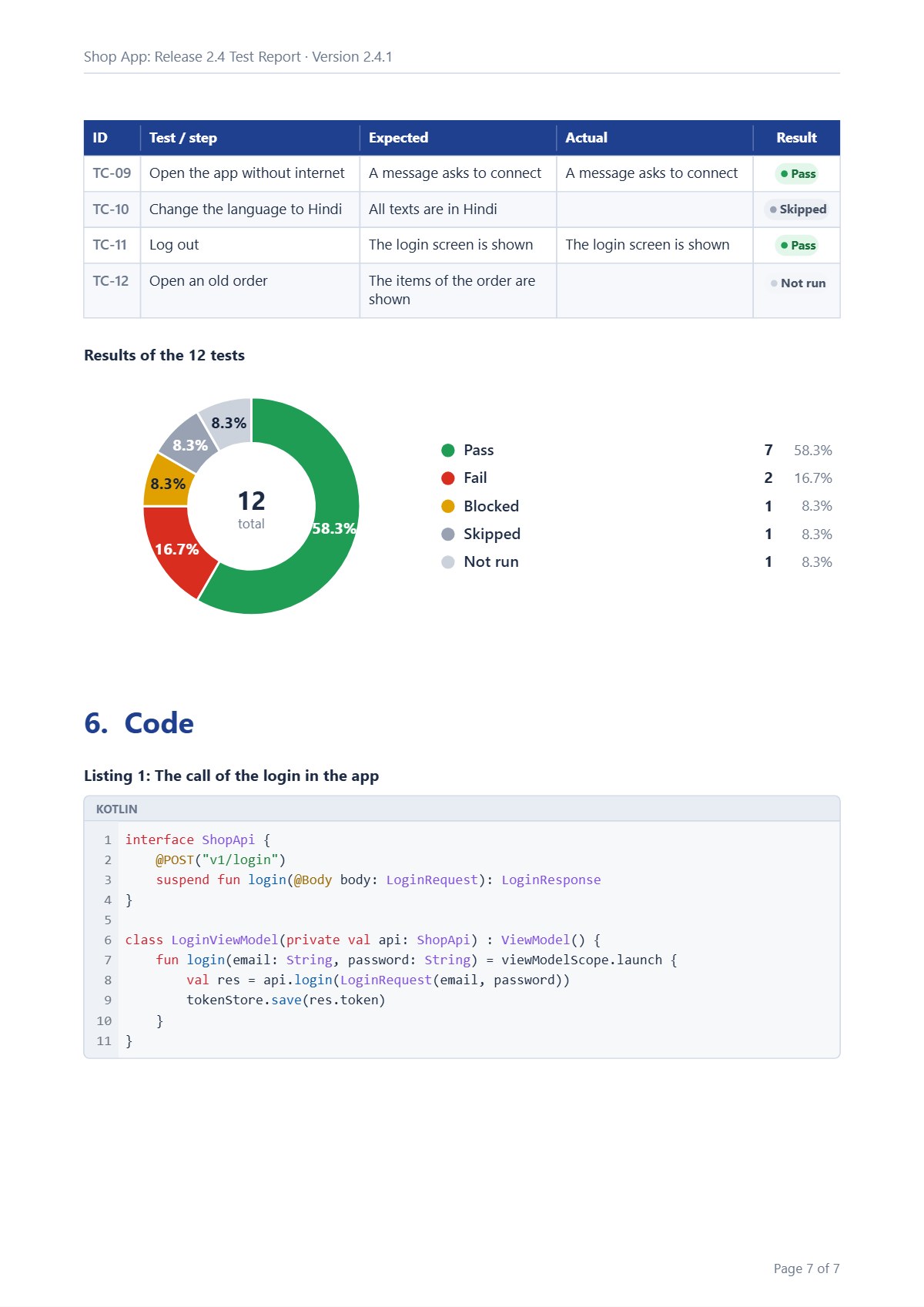
- CodeKotlin, Java, XML, JSON, Python, Bash, JavaScript, PHP and SQL, coloured, with line numbers.
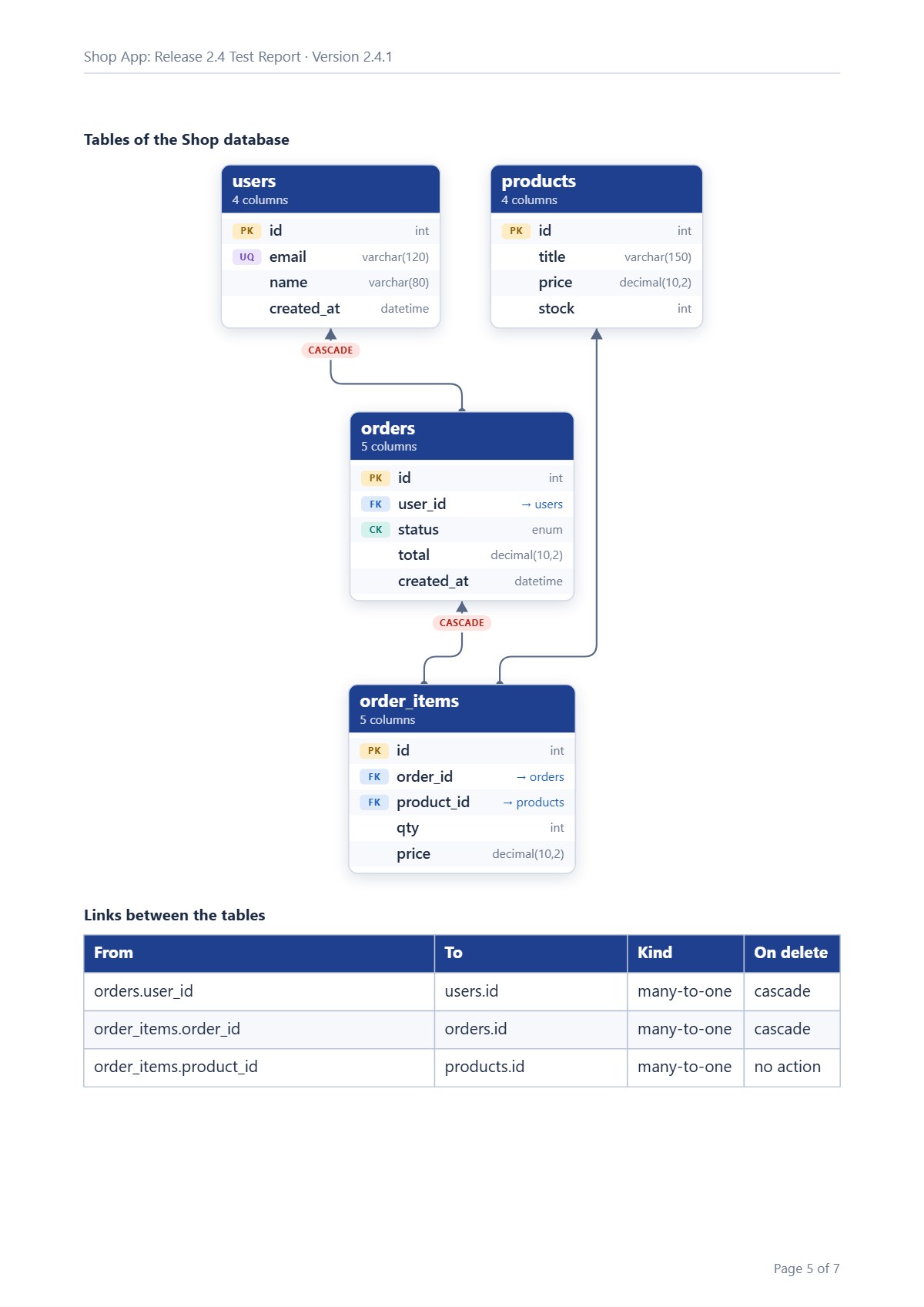
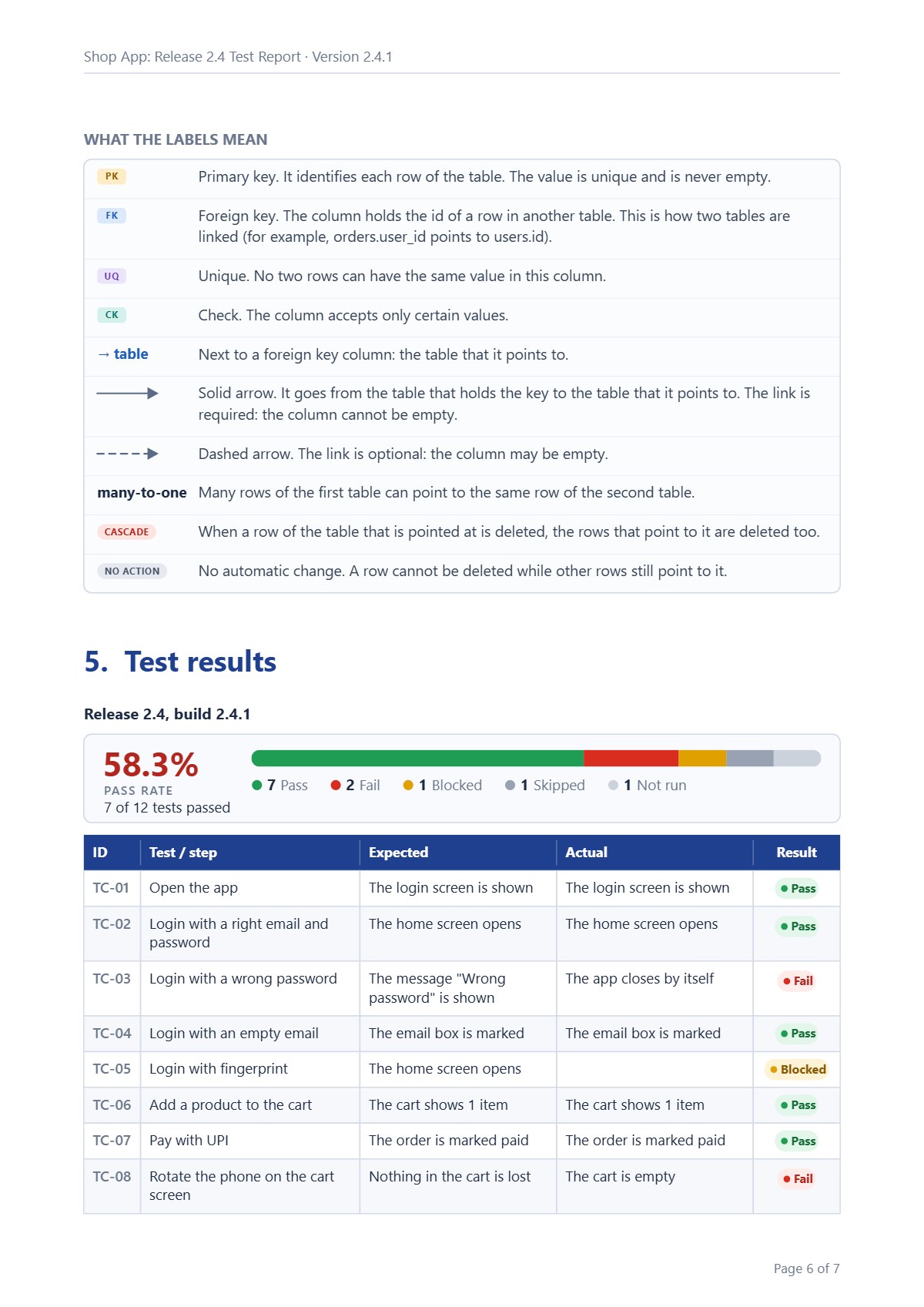
- Database diagramPaste CREATE TABLE. Get the tables with keys and links, and what PK, FK and CASCADE mean.
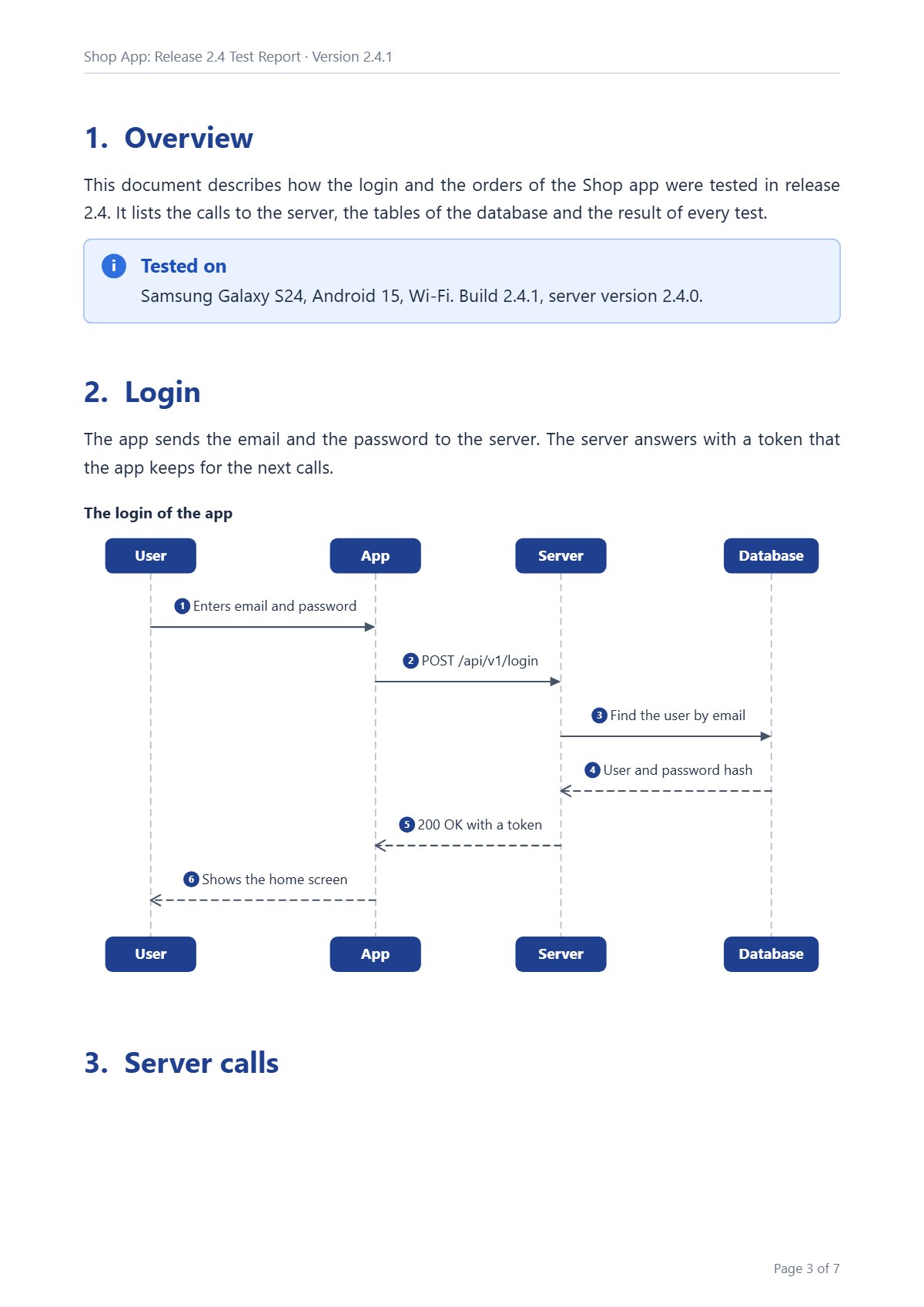
- API callsMethod, address, request, response and status. Bring a whole Postman or OpenAPI / Swagger file in at once.
- Test resultsTest, expected, actual and a coloured result, with the pass rate counted for you. Paste the rows from Excel.
A PDF that looks finished
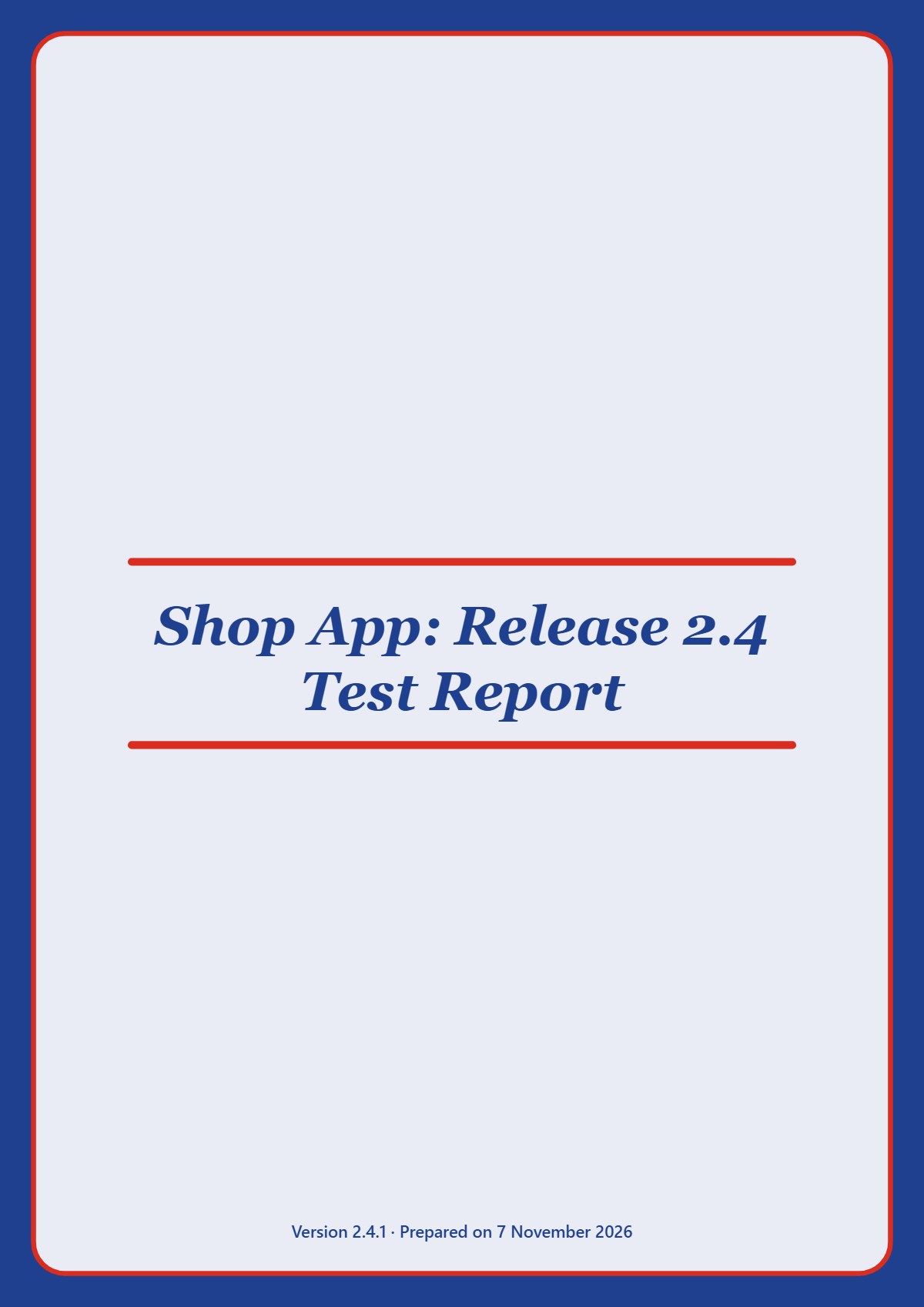
These pages were made by the Document Generator from one sample report. Click a page to see it large.
Made to be finished, and changed later
A document is never done after the first PDF. The editor is made for the second and the tenth version.
- Cover and contents12 cover pages, a contents page where a click goes to the page, and the number of every page.
- Your lookYour logo and your colour, A4 upright or across, justified text, numbered headings.
- Open an earlier PDFA PDF made here opens again with every block editable. Another PDF can come in as text or as pictures of its pages.
- Undo and redoRemoved a block by mistake? Press Undo, or Ctrl+Z.
- Long documentsClose a block to one line, find the page where a block starts, and print a database picture or save it as PNG.
- PrivateYour text, pictures and tables are not sent to a server. The PDF is made in your browser.
Made for everyone who writes
Questions people ask
What kind of documents can I make?
Any document made of text, tables, pictures and charts: reports, proposals, manuals, user guides, FAQs and question papers, checklists, SOPs, project plans with a timeline, project reports, hand-over documents with signature boxes and an APPROVED stamp. Technical documents too: code, database diagrams, sequence diagrams, API calls and test results. Every PDF gets a cover, a contents page and page numbers if you want them.
Is it free? Why do I need an account?
It is free, and it stays free. You make a free account (an email and a password, no card) to open the editor. One account also works for the Android App Tester.
How can it be free?
The editor page shows advertisements. They pay for the server, so the editor does not need a price.
Where is my document kept?
In your browser, on this computer, not in your account. If you clear the data of the browser the document is gone, so keep the PDF: it carries your document inside, and opens again in the editor with every block editable.
Is my text uploaded?
No. The pages are drawn and the PDF is made in your browser. While the PDF is made, the page sends nothing at all. The server only knows your email, your name and your password (kept as a hash, not as text).
Which browsers and computers?
It is made for Chrome and Edge on a computer. It is a big editor, so a phone is not the place to write a long document.
Can I change a PDF that was not made here?
You can open it, and choose to bring it in as text you can edit (headings, paragraphs and lists are found) or as pictures of its pages. A PDF made by the Document Generator comes back whole.
Which page size is used?
A4, upright or across.
Write your first document now.
Free, no card. Testing an Android app? See the Android App Tester.